Description
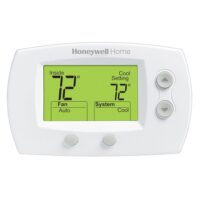
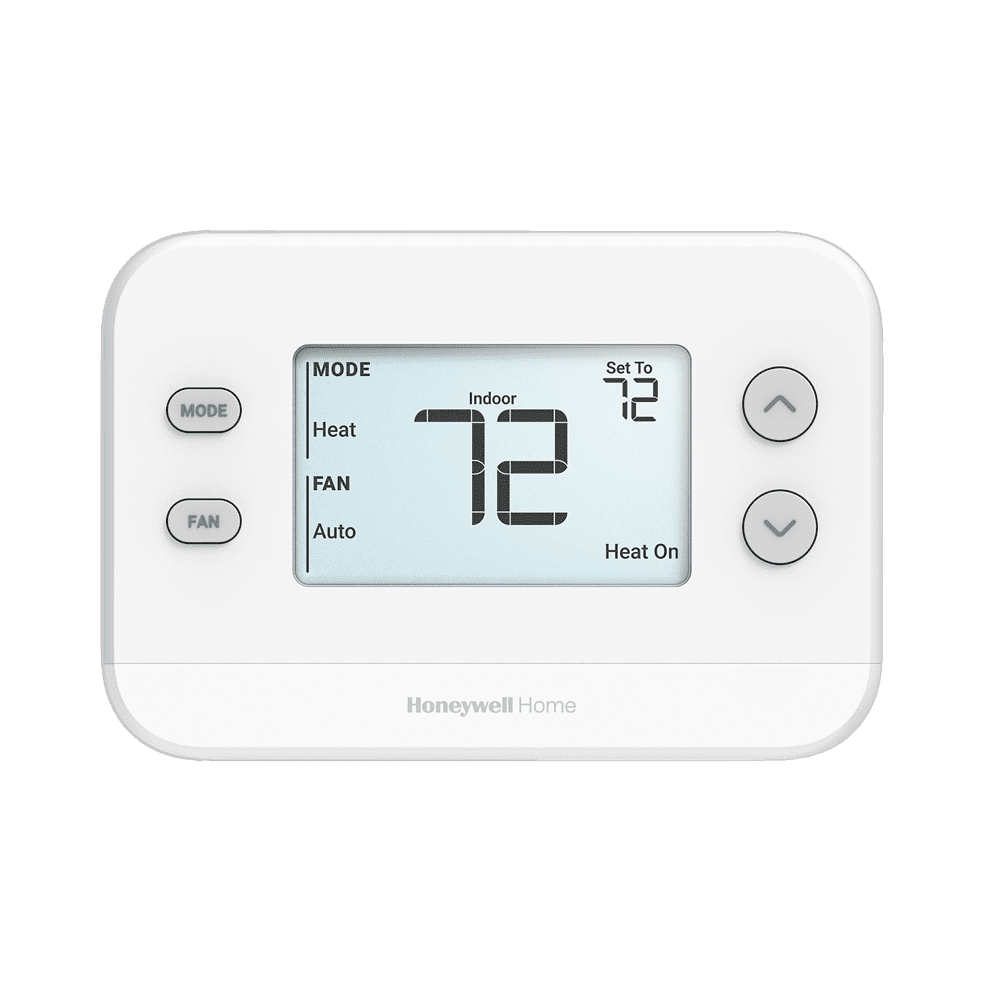
Honeywell/Resideo’s FocusPRO 5000 TH5110D1022 digital thermostat offers the perfect blend of features and value that deliver the highest degree of temperature control accuracy. With the largest backlit digital display in its class, plus its simple operation and maintenance, FocusPRO provides homeowners with simplicity and comfort that’s easy to see.
Key Features & Benefits
Controls 1 Heat / 1 Cool systems
Runs 1-stage heat / 1-stage cool conventional systems or a 1-stage heat-pump (no aux heat).
Large back-lit display
Oversized numbers are readable across the room, even in dim hallways or utility closets.
Easy battery access
Front-door battery compartment lets you change the batteries without removing the thermostat from the wall.
Hard-wire or battery power
Use the C-wire when it’s available or run on two AA batteries for retrofit jobs.
Adjustable heat anticipation
Fine-tunes furnace on/off timing for steadier indoor temperatures.
Junction-box mountable
Optional mounting holes line up with a standard 2 × 4-in. electrical box, making replacement quick.
Five-year limited warranty
Backed by Honeywell for long-term reliability.
FAQs & Troubleshooting
How do I replace the batteries?
- When the “Replace Battery” icon flashes (∼2 months before depletion), open the rear-mounted battery holder.
- Install two fresh AAA alkaline batteries.
- The unit’s settings are stored in memory and won’t reset on battery change.
How do I reset the thermostat?
- Power‐cycle reset: turn off the furnace/air handler breaker, ensure the thermostat screen is fully blank, then turn breaker back on.
- There is no dedicated “factory reset” on the TH5110D—full reset requires breaker cycle.
What are the heat-pump dip‐switch settings?
- Access Installer Setup by holding the Up + FAN buttons for ~5 s.
- For a 1 Heat / 1 Cool heat‑pump setup, ensure:
- System type = “1H/1C Heat Pump” (often dip‑switch setting #1 = HP mode)
- Changeover valve = “O” or “B” depending on your outdoor unit
- Full dip‑switch details (for multi‑stage/aux‑heat) are in the TH5000 Series installer guide.